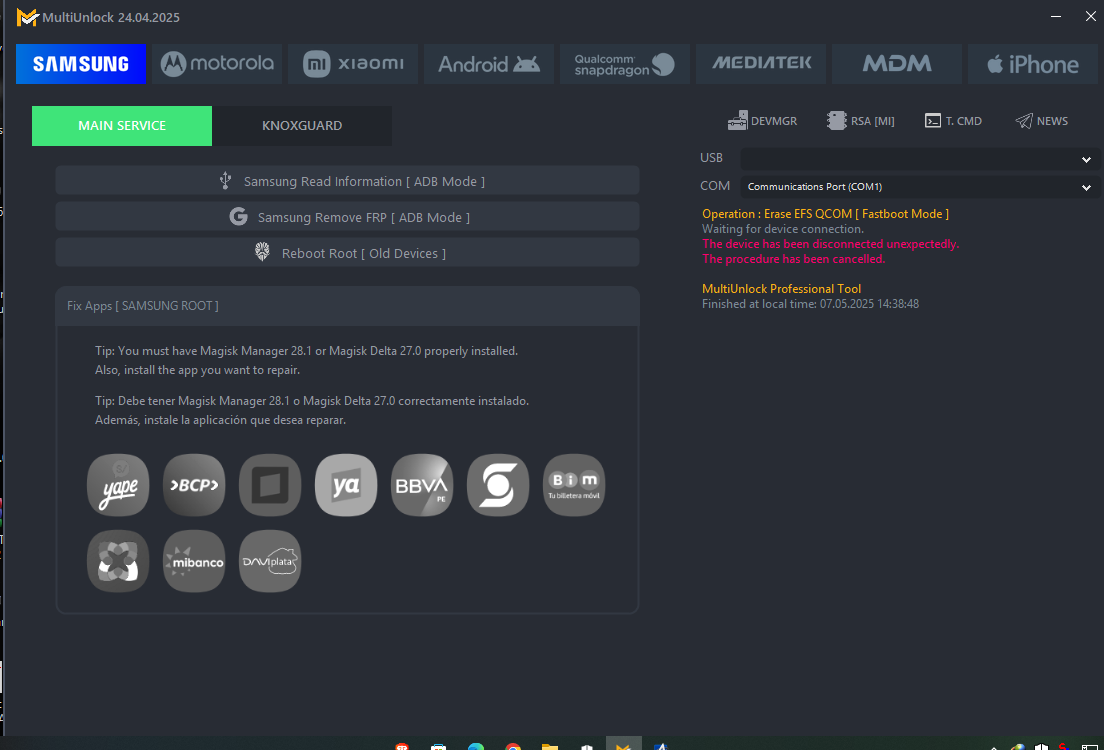
DFT Pro Tool | V3.7.0 Download (Working 100%) | 2024
DFT Pro Tool
Xiaomi [Special]
Tools:
- Enable Diag
- Enable Diag(new)
- Enable Diag(No Root)
- Read Info [adbl
- Reboot [adb]
TWRP Mode:
- Wipe EFS
- Backup EFS
- Read Info [Diag]
- Reboot Sideload
- Reboot Recovery
- Reboot Fastboot
- Reboot Fastbootd
- ROOT Device
- Restore EFS
- Reset Mi Account ID (New Method)
- Repair Network
- Wipe EFS (New security)
Xiaomi [MediaTek] [Service]
- Read Information
- IMEI Repair
- Reset FRP
- Unlock BL New
- Relock BL New
- Switch Meta mode
- Enable Repair Meta
- Bypass MI Account
- Root Device (New)
- Partition Manager
- Patch nvdata
- Repair Newvork
- Patch vbmeta
- Fix Null baseband
- Factory Reset
- Backup NVRAM
- Restore NVRAM
- Wipe NVRAM
- Exit Brom mode
- Store IMEI in NVRAM
- Disable update
- Read RPMB
- Write RPMB
- Erase RPMB
- Patch Cert
- Remove Patch
META Mode Function
- Connect mode
- Adb mode& Meta mode
- Boot mode & Meta mode
Repair Function Xiaomi
- Model: Choose the models and doing below operation
- Meta Mode New
- Meta Mode
- TWRP Mode
NVRAM Restore &Backup (TWRP or ENG Firmware in mode)
- Read info
- Backup NVRAM
- Restore NVRAM
- Fix Null baseband
- Flashing EDL, Preloader mode Using Scatter and XML File with multi-program flash also choose the auth bypass
- Read info
- Reset FRP
- Backup EFS
- Wipe EFS
- Reset Account ID (New)
- Reset Account
- Restore EFS
- Advanced Partition Manager
- Factory Reset
- Root Device (new)
Unlock Bootloader:
- Redmi Note 8 (ginkgo)
- Redmi Note 8 T (willow)
- Redmi Note 7 (levender)
- Click on "Flash Unlock"
Make Root:
Select the Boot. IMG and create the ROOT file for your mobile
Also, flash the.DFT file using fastboot mode
Fastboot [Service]:
- Read Info
- Fastboot reboot
- Reboot recovery
- Boot urp
- Flash boot
- Flash recovery
- Flash modem
- Erase nvram[MTK]
- Wipe EFS
- Reset FRP
- Fastboot to EDL
- R. to fast boot
- Unlock
- Unlock critical
- Unlock[fastboot]
- Unlock[go]
- Set Active slot A
- Set Active slot B
- Flash TWRP File (Choose the model and click on the start button)
- Flash ENG Modem [Choose The Model and click on Start]
- Fastboot write firmware
Qualcomm [Repair Tools]
- Repair Function [QCOM, NV Method, OnePlus Method] - used for repair IMEI in Diag Mode